As an AI Agent Consultant, I’ve seen far too many B2B pipelines wither away because of a "leaky bucket" website. You spend thousands on SEO and PPC to get prospects to your site, only for them to encounter a static "Contact Us" form that feels like sending a message into a black hole. In 2026, the standard for response time isn't hours, it’s seconds.
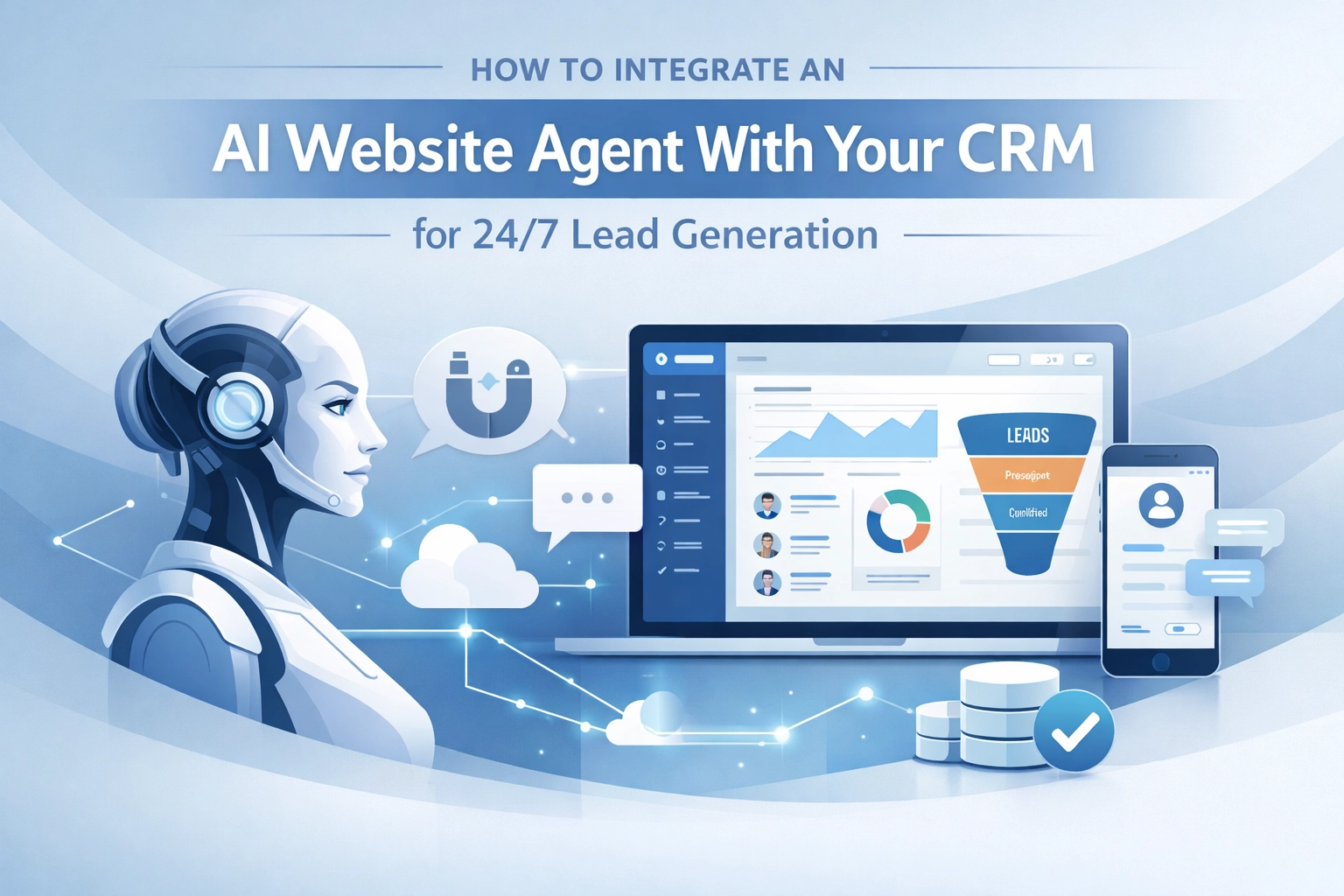
The problem is simple: your human sales team needs to sleep, but your global market doesn't. This is where the AI Website Agent comes in. Unlike the clunky, rule-based chatbots of the past, a modern agent behaves like your best SDR, working 24/7 to qualify leads and book meetings. But the real magic happens when you connect that agent directly to your CRM.
If your AI agent isn't talking to your CRM, you aren't automating; you're just creating more admin work for yourself. This guide will show you how to build a non-disruptive, 24/7 lead generation engine that turns your website into a high-converting sales machine.
Key Takeaways
- Speed is everything: AI agents reduce "speed-to-lead" from hours to seconds, significantly increasing conversion rates.
- Native over Bolt-on: Prioritise integrations that work within your existing CRM architecture to avoid data silos.
- Data Enrichment: Use agents to not just capture names, but to enrich records with firmographic data and intent signals.
- Non-disruptive Implementation: You don't need to rebuild your stack; modern AI agents can be layered over your current processes in 2-4 weeks.
- Predictive Accuracy: Integrated AI agents achieve roughly 90% accuracy in lead scoring compared to 60% with traditional methods.
1. The Death of the "Lead Graveyard" Form
We’ve all been there. You fill out a form, get a "we'll be in touch" message, and then wait three days for a generic email. By then, you've already booked a call with a competitor. Traditional forms are where leads go to die.
An integrated AI Website Agent changes the dynamic from a monologue to a dialogue. It greets the visitor, understands their pain points, and, crucially, checks your CRM in real-time. Is this a returning customer? A high-value prospect already in the pipeline? Or a completely new lead? By integrating with your CRM, the agent provides a personalised experience that a static form simply cannot match.

2. AI Agents vs. Basic Chatbots: Know the Difference
Before we dive into the "how-to," we must clarify what we are integrating. A basic chatbot follows a rigid "if-this-then-that" script. It’s frustrating for users and provides poor data for your sales team.
An AI Agent, powered by Large Language Models (LLMs), understands context. It can handle complex queries about your services and negotiate meeting times. When you connect this intelligence to your AI lead generation strategy, you aren't just capturing contact info; you are qualifying the prospect based on real-time conversation data.
3. The Integration Roadmap: A Step-by-Step Guide
Integrating an AI agent into your CRM doesn't have to be a technical nightmare. Here is the strategic approach we use at AI Management Agency to ensure a smooth transition.
Step 1: Define Your ICP and Qualification Logic
An agent is only as good as its instructions. You must define your Ideal Customer Profile (ICP) and the specific criteria that make a lead "qualified."
- What industries are you targeting?
- What is the minimum turnover or employee count?
- What specific pain points trigger an escalation to a human?
The agent uses this logic to filter out tyre-kickers and focus on high-value opportunities.
Step 2: Establish the Data Connection (API vs. Webhooks)
This is the "plumbing" of your integration. You want a seamless data connectivity layer.
- Webhooks: These are great for immediate actions. When a lead reaches a "qualified" state in the chat, a webhook triggers an instant record creation in your CRM.
- APIs: These allow for two-way communication. The agent can pull data from the CRM to say, "Hi Sarah, I see you spoke with Geoff last month about our automation audit. Would you like to pick up where you left off?"
Step 3: Map Your Sales Workflow
Don't force your sales team to learn a new tool. Configure the agent to match your existing process. If your team uses HubSpot "Deals" or Salesforce "Opportunities," the agent should be programmed to place the lead exactly where it belongs in those pipelines. This ensures non-disruptive integration that your team will actually embrace.
Step 4: Real-Time Lead Enrichment
One of the biggest benefits of AI is its ability to do the "grunt work." While the agent is chatting, it can use the prospect's email domain to pull firmographic data (company size, recent funding, tech stack) from external sources and push it directly into the CRM. Your sales rep doesn't just get a name; they get a full dossier.

4. Why Native CRM Integration is Non-Negotiable
I always advise clients to avoid "bolt-on" tools that live in a separate dashboard. If your team has to log into a different platform to see what the AI agent is doing, they won't use it.
Native integration means the agent works directly within your CRM environment. Activity logs, chat transcripts, and lead scores should appear directly on the contact's timeline. This provides a unified view of the customer journey and ensures no data is lost in the gaps between platforms.
For businesses focusing on high-volume enquiries, such as those in the hospitality sector, this level of integration is the difference between a booked room and a missed opportunity. You can see how this applies specifically to AI receptionists here.
5. Comparing Traditional Lead Gen vs. AI-Agent Led Gen
| Feature | Traditional Lead Forms | AI Agent + CRM Integration |
|---|---|---|
| Response Time | 2 hours to 2 days | < 10 seconds |
| Data Quality | Manual entry (often incomplete) | Automated enrichment & verification |
| Qualification | Manual SDR review | Real-time AI lead scoring |
| Availability | Office hours only | 24/7/365 |
| Conversion Rate | Low (Leads go cold) | High (Instant engagement) |
| CRM Hygiene | Often creates duplicates | Native de-duplication & syncing |
6. Implementation Timeline: From Zero to Automated
Most businesses assume this takes months of development. In reality, with the right strategy, you can be up and running in a matter of weeks.
- Week 1: Audit current CRM fields and define the AI’s persona and qualification rules.
- Week 2: Build the agent's knowledge base using your website content, case studies, and PDFs.
- Week 3: Connect the API/Webhook layer to your CRM (HubSpot, Salesforce, Pipedrive, etc.) and run internal tests.
- Week 4: Go live with a small segment of traffic, monitor the transparent decision-making of the agent, and refine.

7. Overcoming Common Hurdles
"Will it sound like a robot?" or "Will it mess up my data?" are common concerns. That’s why we focus on no-code configuration and transparent logic. You should always be able to see why an agent made a decision. If an agent scores a lead as "High Priority," you should be able to click into the CRM and see the specific parts of the conversation that led to that score.
Furthermore, ensure your platform includes robust compliance features. With GDPR and other data regulations, your AI agent must handle personal data with the same rigour as your human staff, including audit trails and secure data retention.
Frequently Asked Questions (FAQ)
Q: Do I need a developer to integrate an AI agent with my CRM?
A: Not necessarily. Many modern AI agent platforms offer "low-code" or "no-code" connectors for major CRMs like HubSpot or Salesforce. However, for bespoke workflows, a bit of API work ensures a much tighter integration.
Q: Will the AI agent replace my sales team?
A: Absolutely not. It empowers them. By handling the 24/7 "front-line" enquiries and qualification, it ensures your human reps only spend time talking to prospects who are actually ready to buy.
Q: Can the agent handle meeting bookings?
A: Yes. By integrating with your team's calendars (via tools like Calendly or native CRM schedulers), the agent can see real-time availability and book a meeting directly during the chat.
Q: How does the agent handle complex technical questions?
A: You provide the agent with a "Knowledge Base" (technical docs, white papers, etc.). If a question is too complex or outside its scope, it is trained to gracefully escalate the conversation to a human expert.
The Future of the B2B Pipeline
The companies that win in 2026 won't be the ones with the biggest sales teams, but the ones with the smartest automation. Integrating an AI website agent with your CRM isn't just a "nice-to-have" anymore; it’s a strategic necessity to remain competitive.
By closing the gap between your website and your CRM, you create a frictionless experience for your prospects and a data-rich environment for your sales team. You stop guessing and start growing.
Ready to stop losing leads to the "Contact Us" void? Explore our AI sales solutions and see how we can help you build a 24/7 revenue engine that never sleeps. The "speed-to-lead" race has already started( is your CRM ready to keep up?)