
TL;DR:
- A small business automation checklist helps UK companies streamline repetitive tasks and ensure compliance. Key steps include mapping workflows, prioritizing high-impact processes, securing GDPR agreements, and enforcing MFA. Using the right tools and gradually scaling automation leads to increased efficiency and long-term success.
A small business automation checklist is a curated list of tasks, tools, and compliance steps that help UK businesses with up to 5 employees cut repetitive work, reduce errors, and free up time for higher-value activity. Business process automation (BPA) is the recognised industry term for this discipline, and it covers everything from invoicing with Xero to AI-powered appointment scheduling. For UK owners, the checklist must also address GDPR processor agreements and Cyber Essentials MFA requirements, both of which carry real legal weight in 2026. Get the checklist right and you gain a reliable, repeatable operating system for your business.
1. Which core processes should you prioritise first?
The highest-impact areas for a small business automation checklist are invoicing, payroll, email follow-ups, appointment scheduling, and customer support. These processes share a common trait: they are repetitive, rule-based, and time-consuming when done manually. Automating them first delivers the fastest return.
- Invoicing and accounts receivable. Tools like Xero send invoices automatically, chase late payments, and reconcile bank transactions without manual input.
- Payroll. Xero’s Standard plan includes payroll for up to 5 employees at £39 per month, with additional staff costing £1.50 each monthly. That price point makes it accessible for very small teams.
- Email follow-ups. Platforms like Mailchimp and ActiveCampaign trigger follow-up sequences based on customer behaviour, removing the need to chase leads manually.
- Appointment scheduling. Tools like Calendly or an AI appointment booking system let customers book directly into your calendar, eliminating back-and-forth emails.
- Customer support. AI voice agents and chatbots handle frequently asked questions around the clock, reducing inbound call volume for small teams.
Pro Tip: Focus first on tasks that have a clear trigger (a new invoice raised), defined data fields (customer name, amount, due date), and a known exception path (what happens if payment fails). Tasks without these three elements are not ready to automate.
2. How to map your workflows before you automate anything

Process mapping is the activity of documenting every input, output, and decision point in a workflow before you touch any software. Automation works best when it coordinates people, systems, and rules within defined workflow logic, not simply by introducing tools. Automating a broken process makes the problem faster and harder to fix.
A practical mapping exercise for a small team covers four components:
- Trigger. What event starts the process? A new enquiry, a signed contract, a missed payment?
- Data schema. What information does the process need to run? Customer name, invoice number, appointment date?
- Approval and exception path. Who approves edge cases? What happens when data is missing or incorrect?
- Audit trail. Where is a record kept of every action taken, and by whom?
Ignoring exception handling often makes automation slower than the manual process it replaced. A customer enquiry that falls outside the standard script, for example, needs a defined escalation route or it simply disappears.
Pro Tip: Draw your workflow on paper or a whiteboard before opening any software. If you cannot explain the process in five steps or fewer, it needs simplifying before it can be automated reliably.
3. What UK compliance and security steps belong on your checklist?
Compliance is not optional for UK small businesses using SaaS automation tools. Two requirements stand out in 2026: UK GDPR data processor agreements and Cyber Essentials MFA enforcement.
UK GDPR data processor agreements
UK GDPR requires written Data Processing Agreements with every third-party SaaS tool that handles personal data on your behalf. These are Article 28 contracts, and they must cover instructions given to the processor, security measures, sub-processor arrangements, data subject request handling, breach notification, and data deletion or return. Privacy policies alone do not satisfy this requirement.
Before you connect any automation tool to customer data, run a lightweight processor risk check:
- Identify every SaaS vendor that will touch personal data (names, emails, phone numbers, payment details).
- Confirm a signed Article 28 compliant agreement is in place with each one.
- Document the check in a simple register so you can demonstrate accountability to the ICO if needed.
“Privacy policies alone are insufficient; documented agreements are legally expected under UK GDPR.” — Sprintlaw UK
Cyber Essentials MFA requirements
Cyber Essentials v3.3 mandates MFA for every account with access to organisational data from april 2026, not only administrator accounts. MFA registration must happen within 14 days of account creation, and legacy authentication methods must be disabled.
Pro Tip: Inventory every account that accesses your business data before enforcing MFA. Missing even one account undermines your entire Cyber Essentials security baseline.
4. Which automation tools suit small UK businesses in 2026?
The right automation tools for small UK businesses combine low cost, ease of use, and strong integration options. The table below compares the most relevant platforms for teams of up to 5 people.
| Tool | Primary use | Cost indicator | UK compliance notes | Best for |
|---|---|---|---|---|
| Xero | Accounting, invoicing, payroll | From £39/month (payroll ≤5 staff) | GDPR-compliant, UK-specific | Finance and payroll automation |
| Mailchimp | Email marketing and follow-ups | Free tier available | GDPR consent tools included | Lead nurture sequences |
| Calendly | Appointment scheduling | Free tier available | Data stored on US servers; DPA required | Booking and scheduling |
| Zapier | Workflow automation between apps | Free tier; paid from £19.99/month | Processor agreement available | Connecting SaaS tools |
| Aimagency AI Voice Agent | Call handling, FAQ responses, bookings | Contact for pricing | UK-based service | 24/7 customer support |
Xero is widely regarded as the leading accounting software for UK small businesses with up to 5 employees, supported by over 1,000 UK-specific app integrations. That ecosystem matters because it means your accounting data connects directly to payroll, expenses, time tracking, and ecommerce without custom development.
For teams wanting to automate customer-facing tasks, AI automation examples show how AI voice agents handle inbound calls, answer FAQs, and book appointments without any human involvement. That is a significant time saving for a business where every team member wears multiple hats.
5. What best practices make automation stick long-term?
Successful automation adoption follows a phased approach. Starting small and scaling gradually with continuous measurement is the proven method. Businesses that try to automate everything at once typically end up with fragile, poorly understood workflows that break under pressure.
The core best practices for small UK businesses are:
- Start with one process. Pick the task that costs the most time each week and automate that first. Prove the concept before expanding.
- Involve your team early. Even in a 2-person business, the person doing the task daily knows its edge cases better than anyone. Their input prevents costly rework.
- Set clear KPIs before launch. Decide what success looks like. Time saved per week, error rate reduction, or customer response time are all measurable targets.
- Build in human oversight. Governance, risk management, and communication are the hardest parts of automation adoption, not the technology. Keep a human in the loop for decisions that affect customers or finances.
- Review and refine monthly. Workflows drift as your business changes. A monthly review catches broken triggers, outdated data fields, and new exception cases before they cause problems.
The step-by-step task automation guide from Aimagency walks through this phased approach in detail, with examples specific to UK professional services firms.
Key takeaways
A small business automation checklist works only when it combines workflow mapping, the right tools, and UK compliance steps from the start.
| Point | Details |
|---|---|
| Map before you automate | Document triggers, data fields, and exception paths before selecting any tool. |
| Prioritise high-impact tasks | Start with invoicing, payroll, and scheduling for the fastest efficiency gains. |
| Secure Article 28 agreements | Confirm a signed GDPR processor agreement with every SaaS vendor handling personal data. |
| Enforce MFA on all accounts | Cyber Essentials v3.3 requires MFA for every account accessing organisational data from april 2026. |
| Adopt a phased approach | Start with one process, measure results, then scale gradually with team involvement. |
What I have learned building automation checklists for small UK businesses
The most common mistake I see is owners automating a process they have never properly documented. They buy a tool, connect it to their CRM, and wonder why it keeps producing wrong outputs. The tool is not the problem. The process was never clearly defined in the first place.
Exception handling is the item most often missing from a checklist. What happens when a customer books an appointment outside your working hours? What happens when an invoice bounces back because the email address is wrong? These are not edge cases. They happen every week in a small business, and an automation without an exception path simply fails silently.
Compliance also tends to be treated as a separate project rather than part of the checklist itself. I would argue it belongs in step one. Before you connect any tool to customer data, confirm your Article 28 agreement is in place. It takes 30 minutes and protects you from a much larger problem later.
My honest advice for small business owners is this: start early, start small, and build the compliance and governance steps into your checklist from day one. Automation done thoughtfully compounds over time. Every hour you save this month is an hour you can reinvest next month.
— Geoff
How Aimagency helps small UK businesses automate with confidence
Running a business with a small team means every hour counts. Aimagency builds AI agents that handle the tasks most likely to drain your time: answering calls 24/7, responding to FAQs in a natural tone, and booking qualified sales appointments directly into your diary.
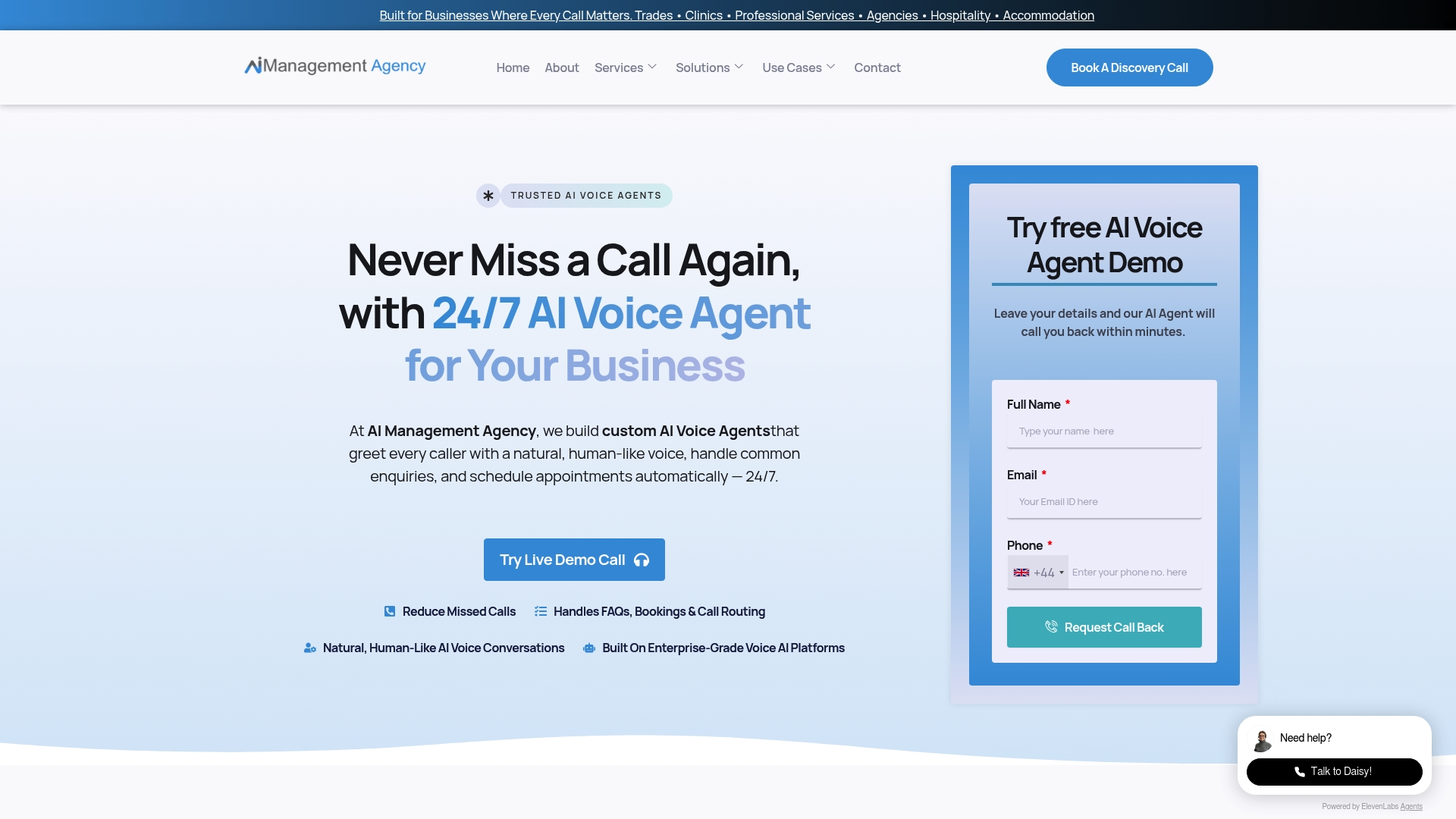
The AI agent advantages for small UK businesses are practical and immediate. You stop missing calls outside office hours. You stop losing leads who could not get through. Your team focuses on the work that actually grows the business. Aimagency’s AI voice agents are built for UK small businesses and integrate with your existing tools. If you want to see what that looks like in practice, explore AI voice agent options tailored for businesses your size.
FAQ
What is a small business automation checklist?
A small business automation checklist is a structured list of repetitive tasks, tools, and compliance steps that a business should automate to save time and reduce errors. It covers areas like invoicing, payroll, scheduling, and customer support.
Which tasks should a UK small business automate first?
Invoicing, payroll, email follow-ups, and appointment scheduling deliver the fastest returns because they are rule-based, repetitive, and directly affect cash flow and customer experience.
Do I need a GDPR agreement before using automation software?
UK GDPR requires a written Article 28 processor agreement with every SaaS vendor that processes personal data on your behalf. A privacy policy alone does not satisfy this requirement.
What is Cyber Essentials MFA and does it affect my automation tools?
Cyber Essentials v3.3 requires MFA on every account accessing organisational data from april 2026, including accounts used by automation tools. Any SaaS platform connecting to your business data must have MFA enabled.
How do I know if a process is ready to automate?
A process is ready to automate when it has a clear trigger, defined data fields, and a documented exception path. If you cannot describe what happens when something goes wrong, the process needs more definition before automation will work reliably.
Recommended
- Step-by-step task automation guide for UK small businesses – AI Management Agency
- What is business automation? A guide for small businesses – AI Management Agency
- AI automation examples boosting UK small business efficiency – AI Management Agency
- Ways to automate calls for UK small businesses – AI Management Agency