
TL;DR:
- Business automation uses technology to perform repetitive tasks, freeing time for strategic work. Small businesses benefit from rule-based processes, such as data transfer and customer follow-ups, with minimal technical skills needed. Starting with standardized tasks and scaling gradually ensures reliable, sustainable automation and operational growth.
Business automation is defined as the use of technology to perform repetitive, rule-based tasks automatically, freeing your time for higher-value work. Also known as business process automation (BPA), it acts as an orchestration layer connecting tools like your CRM, accounting software, and communication platforms without replacing any of them. For small business owners, this means fewer manual handoffs, less data re-entry, and more time spent on the work that actually grows revenue. Tools like Zapier, Make, and AI models such as ChatGPT and Claude have made this accessible without writing a single line of code.
What is business automation and which tasks suit it best?
Not every task belongs in an automated workflow. The clearest candidates are tasks you perform at least three times a week, follow a consistent set of rules, and require minimal sensitive judgement. That combination is the foundation of any reliable automation.
Tasks that meet these criteria include:
- Data entry and transfer between platforms (e.g., copying contact details from an email into your CRM)
- Weekly reporting compiled from fixed data sources
- Invoice generation triggered by a completed job or sale
- Customer follow-up emails sent after a booking or purchase
- Lead routing that assigns new enquiries to the right team member based on location or service type
Tasks that are poor candidates initially include anything that requires nuanced human judgement, varies significantly each time, or involves sensitive client decisions. Trying to automate these before they are properly defined is one of the most common mistakes small business owners make.
Pro Tip: Before you automate anything, write the task out as a step-by-step process on paper. Standardising tasks as a blueprint before building a digital workflow is what separates reliable automation from a process that breaks every other week.

What tools and technologies power business automation in 2026?
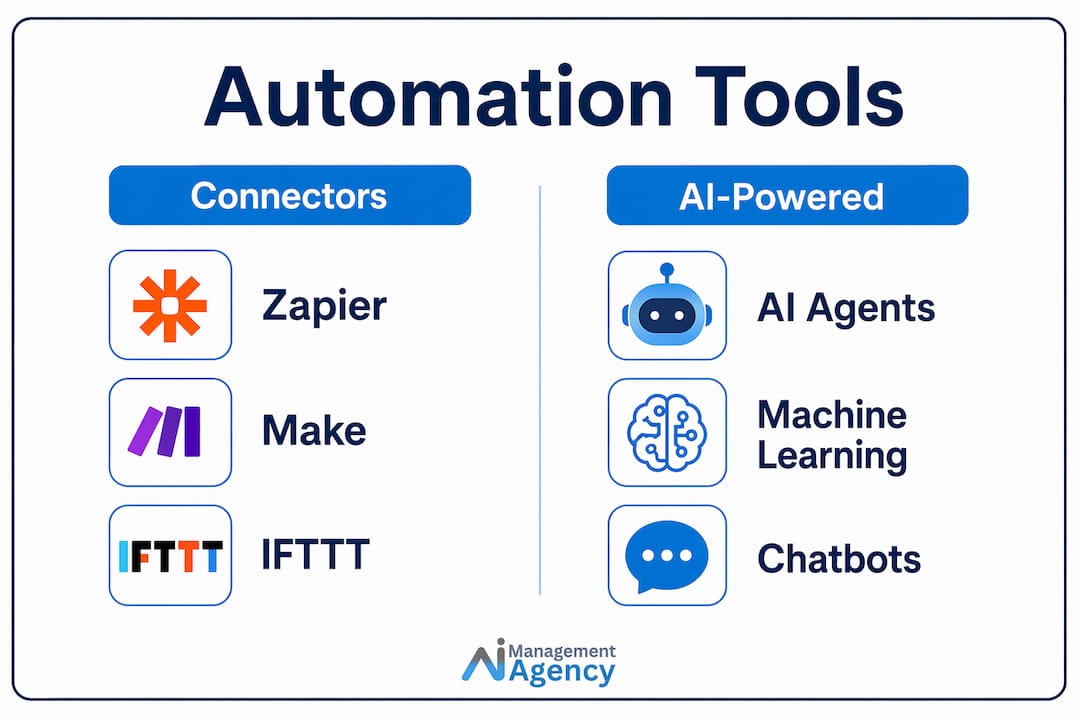
The barrier to entry for automation has dropped significantly. Most entrepreneurs now build automation workflows without any coding by combining connector platforms with AI models. Here is how the main categories break down:
Connector platforms link your existing software tools and trigger actions based on events:
- Zapier is the most widely used no-code connector, with thousands of pre-built integrations
- Make (formerly Integromat) offers more visual, complex workflow logic for intermediate users
- n8n is an open-source option suited to businesses that want more control and self-hosting
AI models handle the intelligent parts of a workflow, such as reading an email, classifying a request, drafting a reply, or summarising a document:
- ChatGPT (OpenAI) and Claude (Anthropic) are the most capable for text-based tasks
- Microsoft Copilot integrates directly into Microsoft 365 tools, making it practical for businesses already using Word, Excel, or Outlook
When you combine a connector platform with an AI model, you get an AI-powered workflow. For example: a new customer enquiry arrives by email, Zapier sends the text to ChatGPT for classification, ChatGPT returns a category and suggested reply, and Zapier logs the result in your CRM and drafts the email for your review. No developer required.
Pro Tip: Choose tools that connect to software you already use. If your business runs on Xero and Gmail, confirm both have native integrations in your chosen connector platform before committing to it.
If you want to see how these tools apply to real UK businesses, Aimagency has published practical automation examples worth reviewing before you start building.
What are the benefits and pitfalls of business process automation?
Understanding both sides of automation helps you set realistic expectations and avoid the mistakes that cause most early projects to fail.
The core benefits
Operational discipline is the most underrated benefit of automation. When a process runs automatically, it runs the same way every time. That consistency reduces errors, removes the bottlenecks that exist between software tools and teams, and creates a reliable foundation for growth. Other measurable benefits include:
- Reduced time spent on low-value administrative tasks
- Fewer data entry errors and missed follow-ups
- Improved response times for customers and leads
- Greater capacity to take on more work without hiring immediately
The pitfalls to avoid
The most common failure is automating a non-standardised process. Automation replicates whatever process you design. If the manual version is inconsistent, the automated version will be consistently wrong.
| Benefit | Risk if ignored |
|---|---|
| Time savings on repetitive tasks | Wasted if the automated task was not standardised first |
| Reduced human error | Reversed if no review step catches AI mistakes |
| Consistent customer communication | Damaged if edge cases are not handled with fallback logic |
| Scalable operations | Fragile if failure-handling mechanisms are absent |
Pro Tip: Build error alerts into every workflow from day one. A simple notification to your email or Slack when an automation fails is the difference between catching a problem in minutes and discovering it days later.
How to start automating tasks in your small business
The most effective approach to starting automation is to pick one task, do it properly, and expand from there. Starting small and scaling incrementally lowers failure rates and produces workflows you can actually trust.
Follow these five steps:
-
Select your first workflow. Choose a task you perform at least three times a week that follows a clear, consistent process. Weekly sales reports, new lead notifications, or invoice reminders are reliable starting points.
-
Write it out in plain language. Describe every step as if explaining it to a new employee. Identify the trigger (what starts the process), the actions (what happens next), and the output (what the end result looks like). This document becomes your automation blueprint.
-
Choose and connect your tools. Sign up for a connector platform like Zapier or Make. Use OAuth to connect your existing apps securely. If the workflow involves text processing, connect an AI model like ChatGPT via API. Most platforms provide step-by-step setup guides.
-
Run it in review mode first. For the first three to five cycles, configure the automation to produce a draft output that requires your manual approval before anything is sent or saved. This builds trust in the workflow and surfaces edge cases you did not anticipate.
-
Validate, then scale. Once the workflow runs correctly without intervention, document what you built and identify the next candidate task. Expand to more complex, multi-step workflows only after your simpler automations are stable.
This process applies whether you are automating a single email follow-up or a multi-stage client onboarding sequence. The discipline of the approach matters more than the sophistication of the tool.
For a more detailed framework, Aimagency’s step-by-step automation guide covers decision criteria specifically for UK professional service businesses.
What are common automation examples for small businesses?
Seeing concrete examples makes the concept tangible. These are the workflows small business owners implement most often, and all of them require minimal technical skill:
- Invoice processing: When a job is marked complete in your project management tool, Zapier triggers Xero to generate and send an invoice automatically.
- Sales lead routing: A new form submission on your website is classified by ChatGPT, then routed to the correct team member via email or Slack based on the service requested.
- Weekly performance reports: Make pulls data from Google Analytics and your CRM each Monday morning and sends a formatted summary to your inbox.
- Customer follow-ups: Three days after a purchase or booking, an automated email is sent via Mailchimp asking for a review or offering a related service.
- Call handling and appointment booking: An AI voice agent answers inbound calls 24/7, responds to common questions, and books qualified appointments directly into your calendar.
The last example is where AI agents move beyond simple connectors. Rather than just moving data between tools, an AI agent holds a natural conversation, handles unexpected questions, and takes action. For small businesses that miss calls outside office hours, this single automation can recover significant lost revenue. You can explore common AI tasks that UK businesses are implementing right now for more use cases.
Key takeaways
Business automation delivers its greatest value when you standardise tasks first, start with simple workflows, and build in review steps before scaling.
| Point | Details |
|---|---|
| Define before you automate | Write every task as a step-by-step process on paper before building any digital workflow. |
| Start with high-frequency tasks | Target tasks performed at least three times weekly with rule-based logic for your first automations. |
| Use no-code tools | Platforms like Zapier and Make combined with AI models like ChatGPT remove the need for developers. |
| Apply the review-first principle | Run new automations in draft mode for three to five cycles before allowing fully automated outputs. |
| Build in failure handling | Add error alerts and manual fallback steps from day one to protect business continuity. |
Why operational discipline matters more than the tools you choose
People often ask me which automation tool they should use. My honest answer is that the tool matters far less than the process behind it. I have seen businesses spend weeks evaluating Zapier versus Make versus n8n, only to build a workflow on a poorly defined task that breaks within a fortnight.
The businesses that get the most from automation are not the ones using the most sophisticated technology. They are the ones that have taken the time to document their processes clearly, identify genuine repetition, and accept that the first version of any workflow will need refinement. That mindset is what makes automation sustainable.
There is also a tendency among small business owners to over-automate too quickly. Once the first workflow runs well, the temptation is to automate everything at once. Resist it. Each new workflow introduces new failure points. Scaling incrementally, as IBM’s research on BPA lessons learned consistently shows, produces far better outcomes than trying to transform operations overnight.
The most practical thing you can do this week is pick one task, write it out in plain language, and build the simplest possible version of that workflow. You will learn more from that single exercise than from reading every automation guide available. Then iterate. The compounding effect of well-built, reliable automations is where the real productivity gains live.
— Geoff
How Aimagency helps UK small businesses automate with confidence
Aimagency specialises in building AI agents that handle real business tasks, not just move data between apps. The flagship solution is an AI receptionist that answers calls 24/7 in a natural tone, responds to frequently asked questions, and books qualified sales appointments directly into your calendar. For small businesses losing leads outside office hours, this is one of the highest-return automations available.
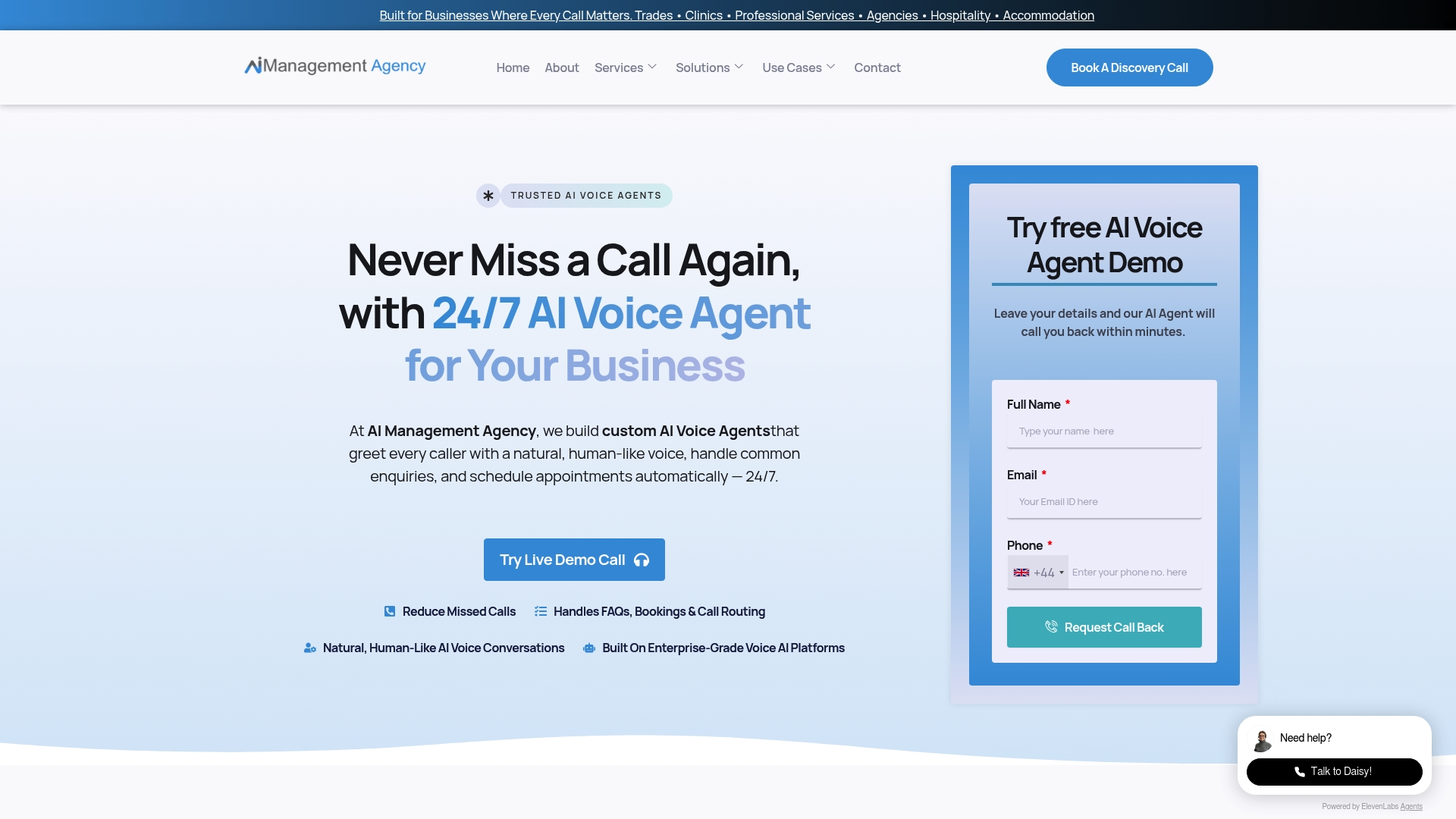
If you are ready to move beyond basic workflows and put AI agents to work in your business, explore the AI agent advantages Aimagency delivers for UK small businesses. For businesses already building their automation strategy, the AI agent best practices guide covers what works in 2026 and what to avoid.
FAQ
What is business automation in simple terms?
Business automation is the use of software to perform repetitive tasks automatically, without manual effort. It connects your existing tools and triggers actions based on set rules, freeing your time for higher-value work.
What is the difference between business automation and business process automation?
Business automation is the broad concept of using technology to automate tasks. Business process automation (BPA) refers specifically to automating structured, end-to-end processes such as invoice approval or employee onboarding, typically involving multiple steps and systems.
Do I need technical skills to automate tasks in my business?
No. Platforms like Zapier and Make allow you to build workflows without coding, and most integrations are set up through simple point-and-click interfaces. AI models like ChatGPT can be added to workflows via pre-built connectors.
Is business automation worth it for a small business?
Yes, provided you start with the right tasks. Automating high-frequency, rule-based tasks reduces errors, saves time, and creates operational consistency. The key is to standardise the process first and scale gradually rather than attempting to automate everything at once.
What should I automate first in my small business?
Start with a task you perform at least three times a week that follows a clear, repeatable process. Invoice reminders, lead notifications, and customer follow-up emails are reliable first automations that deliver quick, measurable results.